
Jenny Mod Skins: Outfits & Character Customization (2026)
Updated: October 3, 2026
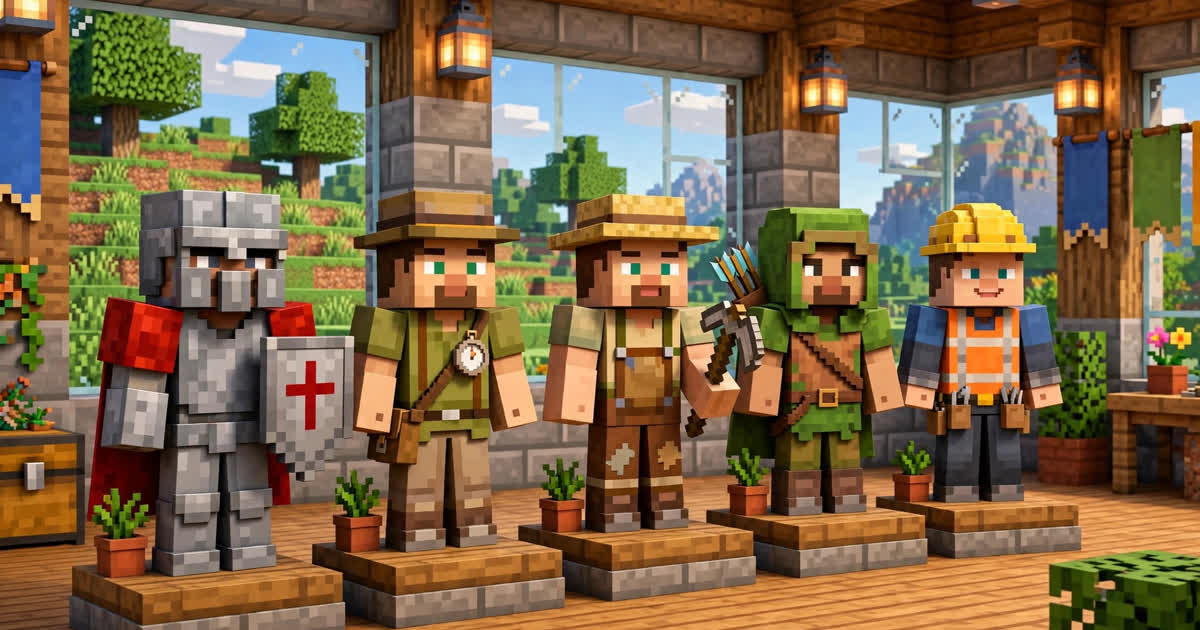
Jenny Mod characters come with multiple outfits you can switch between — and your own player skin works alongside them. This guide covers how the wardrobe system works, how to unlock outfits, and what to do when skins don’t show.
How Outfits Work
Talk to a character and look for the wardrobe/outfit option in their interaction menu. Each character has a set of outfits (casual, adventure, seasonal) that change their appearance immediately. Outfits are cosmetic — they don’t change stats or behavior, but some quests require a specific outfit to progress, so experiment if a quest seems stuck.
Unlocking More Outfits
- Trust levels: higher relationship tiers unlock new outfit options for that character.
- Quests: several character questlines reward exclusive outfits on completion.
- Gifting: certain rare gifts unlock themed outfits — check our gameplay guide for the trust system.
Your Own Player Skin
Your personal Minecraft skin is unaffected by the mod — set it in the launcher (Java) or Dressing Room (Bedrock) as usual. If your skin shows as Steve/Alex after installing the mod, it’s a login sync issue, not the mod: restart the launcher and check your internet connection.
Skins Not Showing? Fixes
- Outfit menu won’t open: update to the latest mod file — old builds had a broken wardrobe UI.
- Character appears untextured: a conflicting resource pack is overriding mod textures. Disable other packs first.
- Bedrock addon skins missing: re-import the
.mcaddonwith both behavior and resource packs enabled.
Skins FAQ
Jane Smith tests Minecraft mods and writes hands-on guides for minecraftjenny-mod.com. She covers installing, troubleshooting, and playing the Jenny Mod on Java and Bedrock editions, and re-tests every guide after major updates.